pyg4ometry
Python code for rapid creation and conversion of radiation transport Monte Carlo (Geant4 and Fluka) geometries.

Quick start
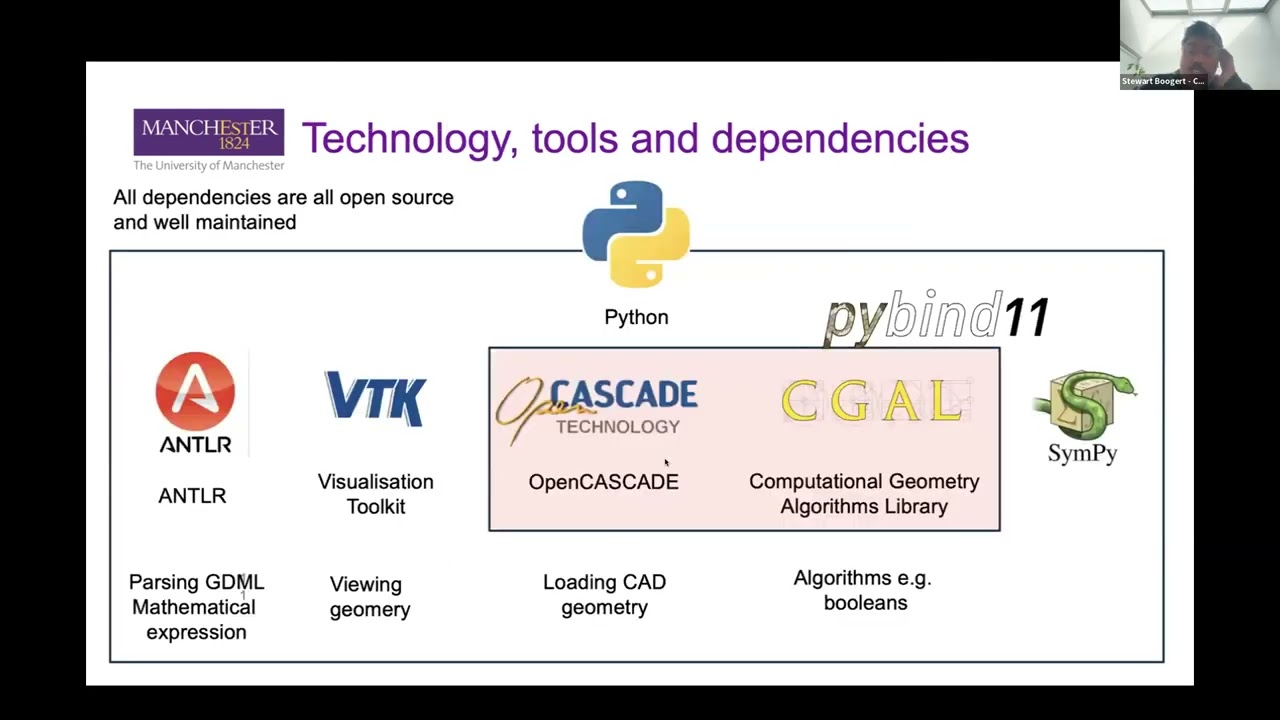
pyg4ometry is a very capable package to do many tasks related to Geant4/Fluka/MCNP geometry:
Python scripting to create and assemble geometries
Loading, editing and writing GDML
Load and tessellate CAD geometry and export to GDML
Load ROOT geometry and convert to GDML
Powerful VTK viewer of geometries
Converting from GDML to FLUKA and MCNP
Exporting mesh geometries from GDML to VTP, OBJ, VRML etc.
Python bindings to CGAL allowing complex mesh manipulation (e.g. hole filling, remeshing)
All with few lines of Python code!
import pyg4ometry as pg4
from g4edgetestdata import G4EdgeTestData

g4data = G4EdgeTestData()
# define a geometry registry
reg = pg4.geant4.Registry()

# build the world volume
world_s = pg4.geant4.solid.Orb("WorldAir", 1.5, reg, lunit="cm")
world_l = pg4.geant4.LogicalVolume(world_s, "G4_AIR", "WorldAir", reg)
reg.setWorld(world_l)

# import an STL file
reader = pg4.stl.Reader(g4data["stl/utah_teapot.stl"], registry=reg)
teapot_s = reader.getSolid()

# place the teapot in the world
teapot_l = pg4.geant4.LogicalVolume(teapot_s, "G4_Cu", "UtahTeapot", reg)
pg4.geant4.PhysicalVolume([0, 0, 0], [0, 0, 0], teapot_l, "UtahTeapot", world_l, reg)

# export to GDML file "geometry.gdml"
writer = pg4.gdml.Writer()
writer.addDetector(reg)
writer.write("./geometry.gdml")

# start an interactive VTK viewer instance
viewer = pg4.visualisation.VtkViewer()
viewer.addLogicalVolume(reg.getWorldVolume())
viewer.view()
Check out our video tutorial for more: