Loading Geometry
Generally, a reader class is provided for each format. The reader is created, then told to load a file, and it creates a Registry object (see Registry) containing the model. The registry is the final object from a reader, and its top-most volume can be used for visualisation or other operations.
Here, we use example files provided in the g4edge-testdata package that can be installed with:
pip install g4edge-testdata
An instance of the test data can be used to access any file.
1import pyg4ometry
2import g4edgetestdata
3
4d = g4edgetestdata.G4EdgeTestData()
5r = pyg4ometry.gdml.Reader(d["gdml/ChargeExchangeMC/lht.gdml"])
6l = r.getRegistry().getWorldVolume()
7v = pyg4ometry.visualisation.VtkViewerColouredMaterial()
8v.addLogicalVolume(l)
9v.view()
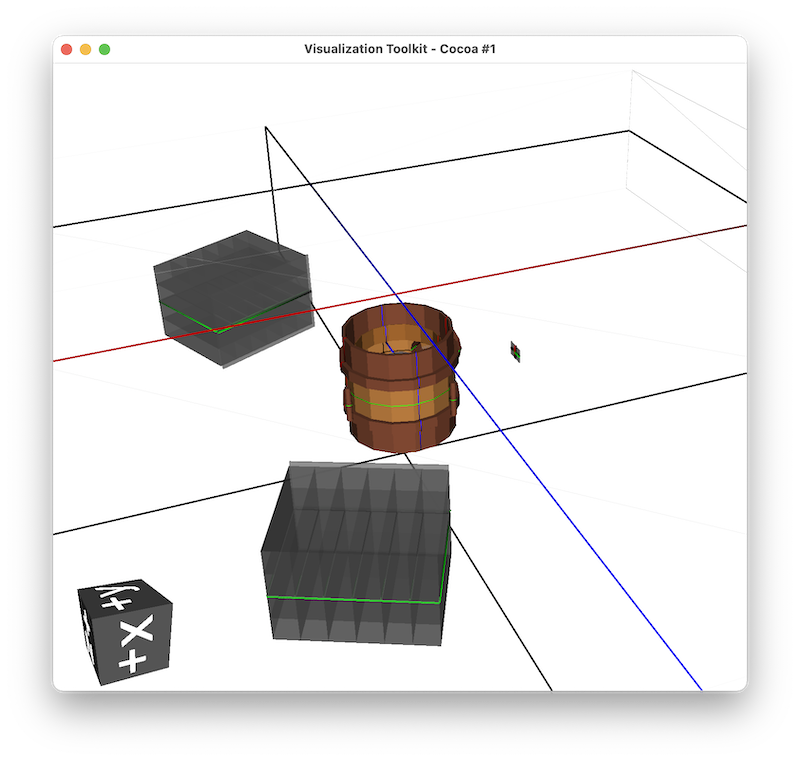
Geant4 example GDML from ChargeExchangeMC example.
Note FLUKA geometry can be loaded but cannot be visualised directly without conversion to a Geant4 model. This is not necessary for simiply loading, but it is shown here.
 1import pyg4ometry
 2import g4edgetestdata
 3
 4d = g4edgetestdata.G4EdgeTestData()
 5r = pyg4ometry.fluka.Reader(d["fluka/ex-geometry.inp"])
 6flukaRegistry = r.flukaregistry
 7
 8geantRegistry = pyg4ometry.convert.fluka2Geant4(flukaRegistry)
 9
10l = geantRegistry.getWorldVolume()
11v = pyg4ometry.visualisation.VtkViewerColouredMaterial()
12v.addLogicalVolume(l)
13v.view()

FLUKA example.
1import pyg4ometry
2import g4edgetestdata
3
4d = g4edgetestdata.G4EdgeTestData()
5r = pyg4ometry.io.ROOTTGeo.Reader(d["root/lht.root"])
6l = r.getRegistry().getWorldVolume()
7v = pyg4ometry.visualisation.VtkViewerColouredMaterial()
8v.addLogicalVolume(l)
9v.view()
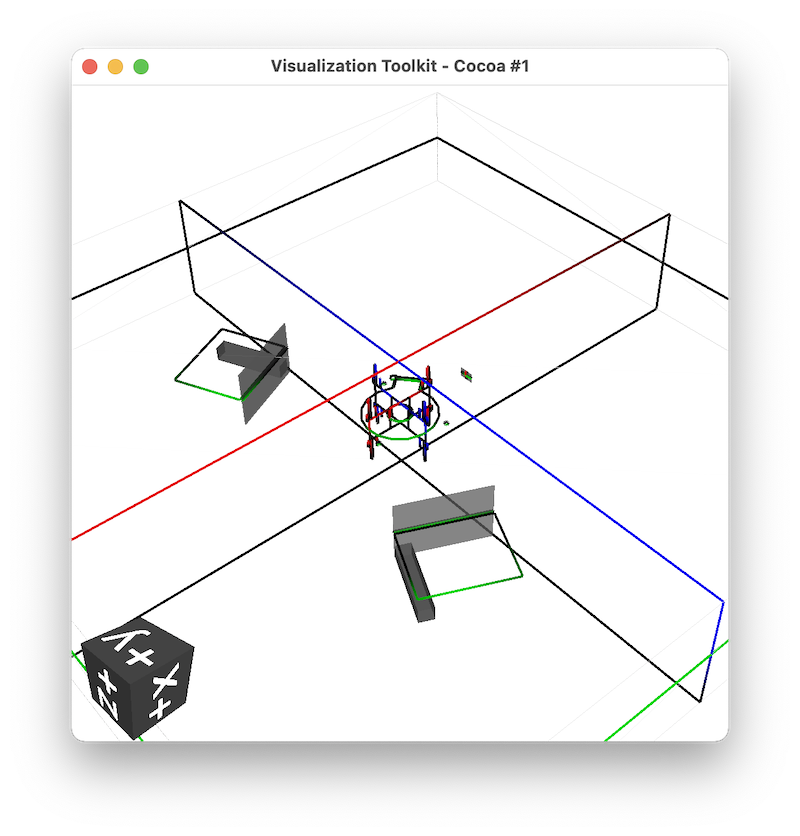
ROOT example of Geant4’s LHT geometry.
STL files are typically used for a single watertight solid mesh. This mesh is converted to a TesselatedSolid and then a logical volume which can be placed in a geometry.
 1import pyg4ometry
 2import g4edgetestdata
 3
 4d = g4edgetestdata.G4EdgeTestData()
 5reg = pyg4ometry.geant4.Registry()
 6r = pyg4ometry.stl.Reader(d["stl/utah_teapot.stl"], reg)
 7s = r.getSolid()
 8copper = pyg4ometry.geant4.MaterialPredefined("G4_Cu", reg)
 9l = pyg4ometry.geant4.LogicalVolume(s, copper, "utahteapot_lv", reg)
10v = pyg4ometry.visualisation.VtkViewerColouredMaterial()
11v.addLogicalVolume(l)
12v.view()
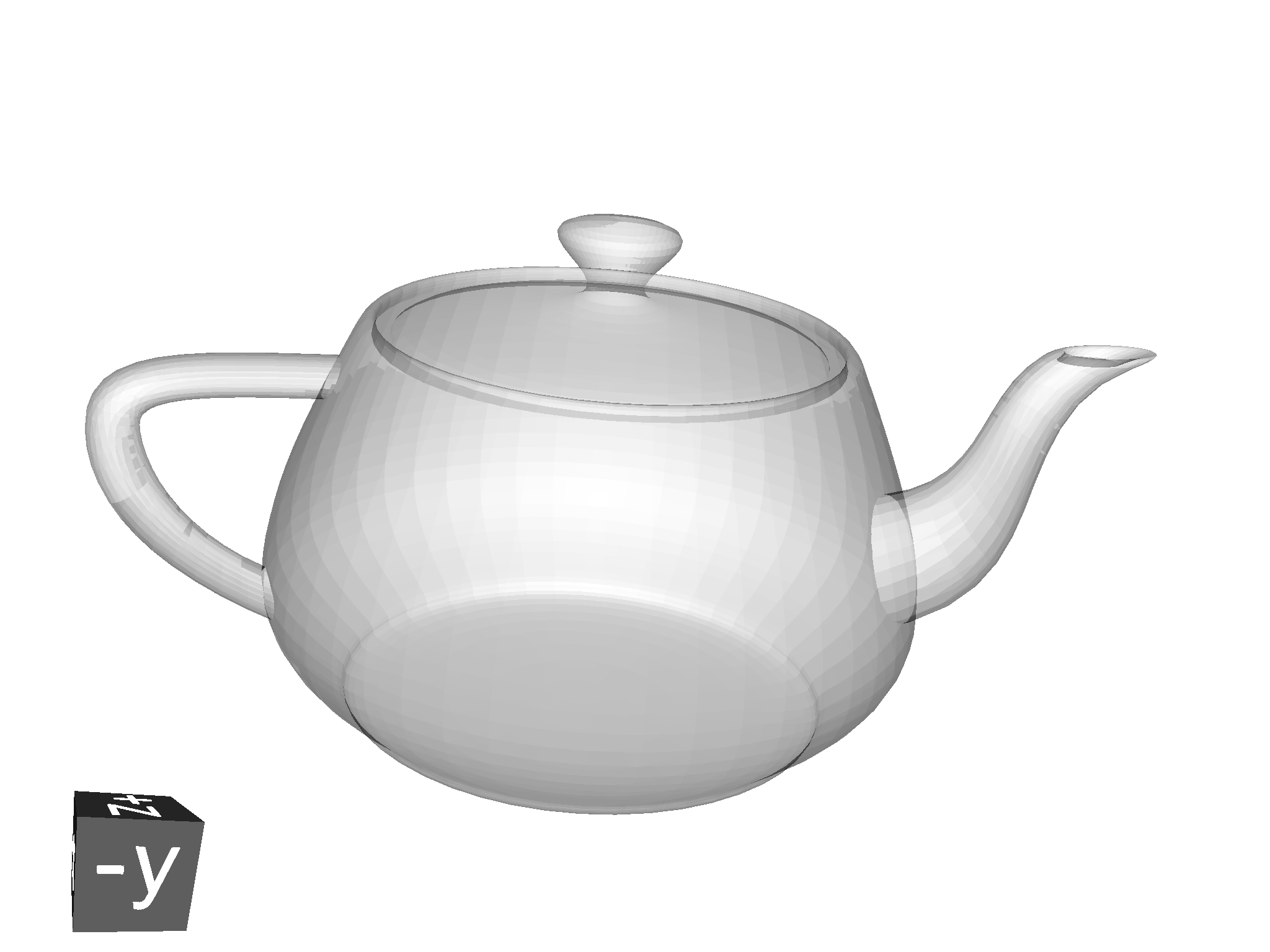
Example of STL loading in pyg4ometry. Pressing s on the keyboard
when in the visualiser will switch to solid mode. w, conversely will
switch to wireframe.
STEP file loading is possible in pyg4ometry. Note, here only a basic loading is shown without material assignment, which normally is not information contained in a STEP file but is necessary for Geant4 or FLUKA simulations.
 1import pyg4ometry
 2import g4edgetestdata
 3
 4d = g4edgetestdata.G4EdgeTestData()
 5r = pyg4ometry.pyoce.Reader(d["step/1_BasicSolids_Bodies.step"])
 6ls = r.freeShapes()
 7worldName = pyg4ometry.pyoce.pythonHelpers.get_TDataStd_Name_From_Label(ls.Value(1))
 8mats, skip, mesh = {}, [], {}
 9reg = pyg4ometry.convert.oce2Geant4(r.shapeTool, worldName, mats, skip, mesh)
10wl = reg.logicalVolumeDict[worldName]
11v = pyg4ometry.visualisation.VtkViewerColouredMaterial()
12v.addLogicalVolume(wl)
13v.view()

STEP file loading example in pyg4ometry. Pressing s on the keyboard
when in the visualiser will switch to solid mode. w, conversely will
switch to wireframe.